In-Depth Basecamp Reviews
Basecamp is a highly regarded project management tool that has been serving the needs of small and medium-sized businesses, as well as multinational corporations, educators, and NGOs, for several years. This guide will provide a complete Basecamp review and delve into its distinct features, advantages, and challenges, user reviews, and comparisons with other project management tools. By the end of this guide, you'll have a solid understanding of whether Basecamp is the right project management software for your team.
What Is Basecamp?
Basecamp is a cloud-based project management tool that promises simplicity and ease of use. It offers a wide range of features that are designed to enhance collaboration, streamline project execution, and promote accountability and transparency in project management.
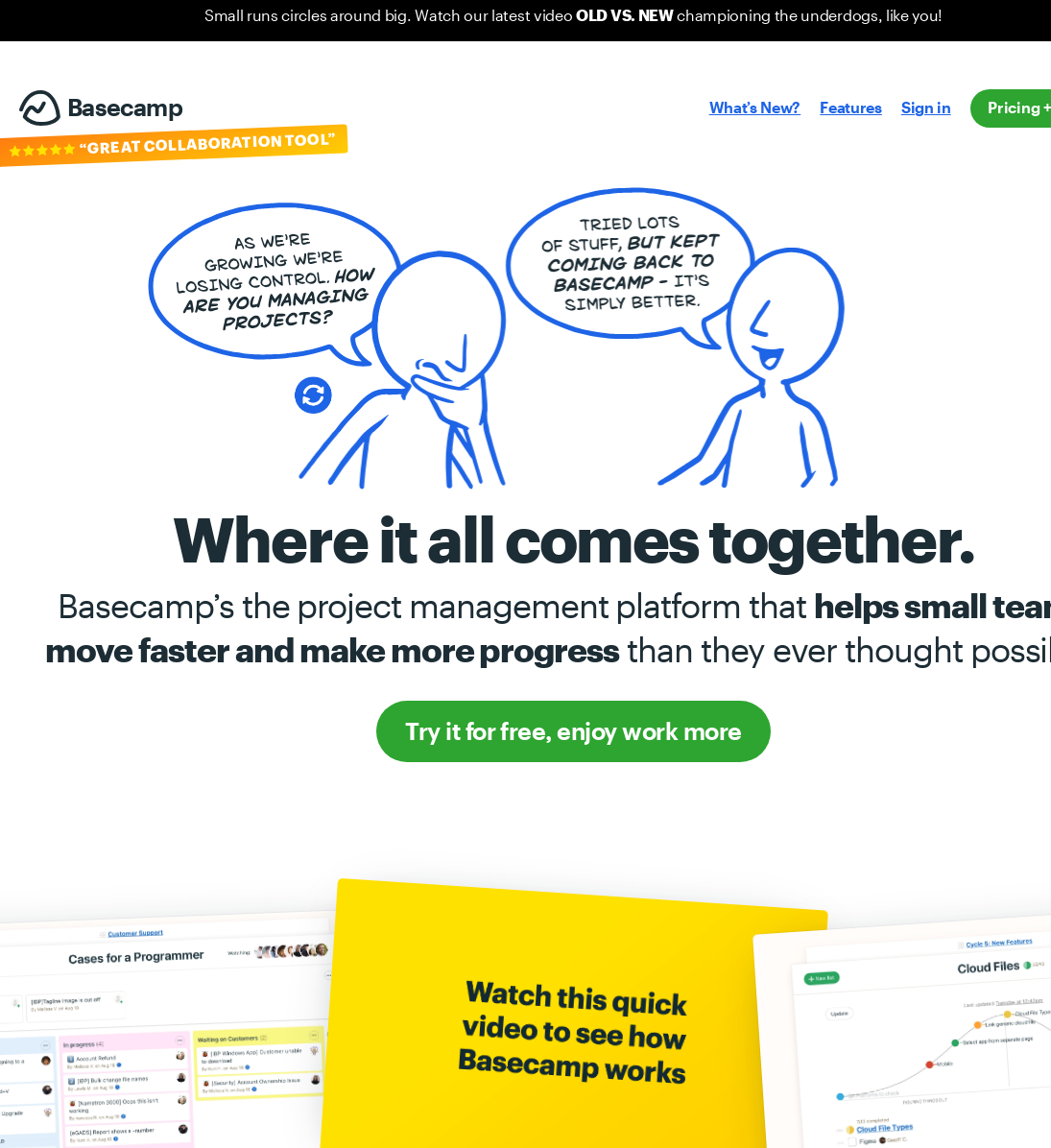
How Does Basecamp Work?
Basecamp organizes your work into separate projects, each with its own set of tools. Each project can be configured to include a to-do list, message board, documents & file storage, real-time group chat, and automatic check-in questions. It's designed to keep your team, and your work, in sync.
Core Features of Basecamp
Basecamp offers multiple features that significantly enhance project management:
- Project Management: Basecamp allows for seamless organization and tracking of projects. Components of a project, such as task lists, documents, and discussions, can easily be navigated.
- Communication Tools: With a built-in message board and chat room, teams can communicate quickly, eliminating the need for countless back-and-forths.
- File & Document Sharing: Basecamp supports sharing files and documents within the project team. Users can upload, categorize, and manage files in a single location.
- Report Generation: The software has robust reporting tools that provide detailed insights into the progress of a project and reveal any bottlenecks.
Pros of Using Basecamp
Ease of Use: One of the key strengths of Basecamp is its interface; it's simple, clean, and easy to navigate. Even new users can get started without lengthy tutorials.
All-in-one Tool: Basecamp combines meaningful project management features with other business tools, negating the need for multiple different applications.
Robust Customer Support: Users often praise Basecamp for its excellent user support. They offer various support channels and a comprehensive help center.
Cons of Using Basecamp
Limited Customization: While simplicity is one of Basecamp's strengths, it's also a weakness for some. It lacks certain advanced tools, features, and customization options that other project management tools offer.
No Time Tracking: Basecamp does not include built-in time tracking. Though there are several third-party apps that you can integrate for time tracking, it would be more convenient if it were a native feature.
Comparing Basecamp with Other Project Management Tools
Compared to other project management tools such as Asana and JIRA, Basecamp tends to fall on the simpler side of things. It has fewer features and offers less complexity, but this is by design and caters to users who seek simplicity.
Whereas Asana shines in terms of task management and flexibility and JIRA offers industry-standard issue tracking particularly for developers, Basecamp positions itself as the less complex, more streamlined tool. The choice between these tools often comes down to what kind of environment the tool is being implemented in and the specific needs of the team.
Conclusion
Overall, Basecamp is an effective project management tool, particularly for smaller teams or those looking for a simple, all-in-one solution. Its ease of use and comprehensive project management tools make it a solid choice for many, but lack of customization, fewer advanced features and missing time tracking capabilities may put off some users.
If you're considering adopting a new project management tool for your organization, it's always worth taking advantage of a free trial, if offered, to determine if it meets your unique needs. As this in-depth Basecamp review has illustrated, selecting the right tool involves weighing up the features, ease of use, pricing, and potential limitations.
Remember, every project is distinct, just as every team has its own way of executing projects and communicating. Therefore, spend time understanding how Basecamp can align with your team culture, foster growth, and make a positive impact on your team's productivity before taking the plunge.
FAQs
Q1: Does Basecamp offer a free version?
Yes, Basecamp offers a free version that includes access to 20 users, 3 projects, and 1 GB storage space.
Q2: How Much Does Basecamp Cost?
Basecamp offers a fixed pricing model. It’s $99 per month, regardless of how many users you have.
Q3: Does Basecamp offer a mobile app?
Yes, Basecamp provides a full-featured mobile app for both iOS and Android.
Q4: Can I integrate Basecamp with other apps? For more in depth cooperation and integration with your other tools, you may consider using Hey email client that is also developed by Basecamp creators. Yes, Basecamp integrates with a large number of third-party apps and services. You can check out the full list on their website.
Q5: Is Basecamp secure?
Basecamp's security measures include network safeguards like firewalls and network segregation. Moreover, they use encryption for data in transit and at rest.