Evernote Review - Comprehensive Insights & User Feedbacks
Introduction
Evernote is one of the leading apps in the market, well-known for its note-taking and productivity capabilities. It offers a digital platform to create, organize, store, and retrieve notes from numerous devices, including computers, tablets, and mobile phones. Still, many potential users frequently ask questions regarding its effectiveness, reliability, privacy, and cost.
Should you consider using Evernote in your productivity tool belt? This guide offers an in-depth review of Evernote, outlining its main features, benefits, pricing models, user feedback, and how it compares to other popular note management tools.
Core Features of Evernote
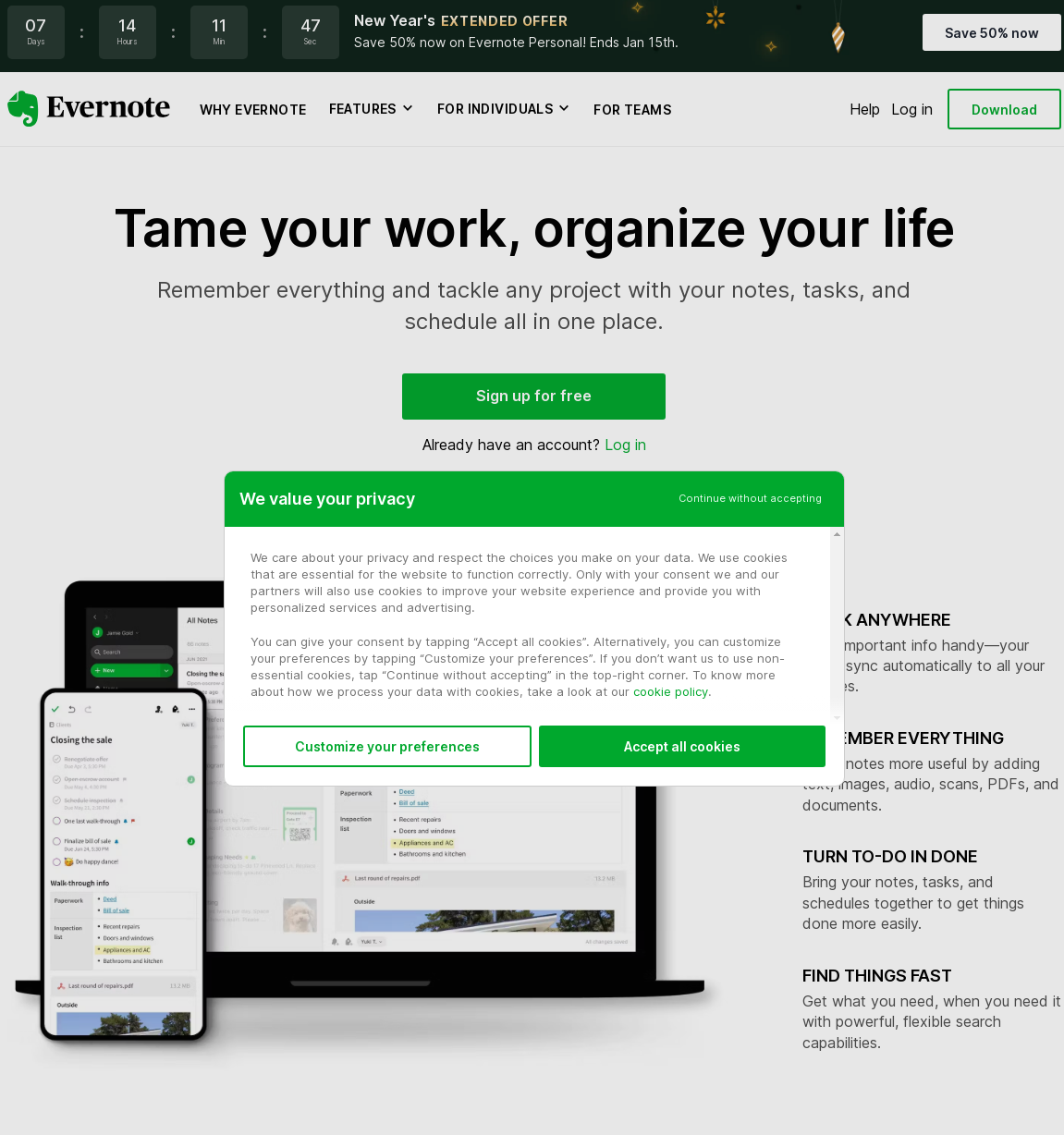
Evernote provides a plethora of unique and useful features.
1. Multiplatform Support
Evernote presents a multiplatform note-taking solution, available on various operating systems including iOS, Android, Windows, and macOS.
2. Rich Text Editor
It boasts a rich text editor that supports bold, underline, italic, strikethrough, and highlight tools, as well as header formatting and checklists.
3. Web Clipper
Evernote includes a Web Clipper that can save web pages, articles, and PDF files directly to your notes, with options for annotation and highlighting.
4. Document Scanning
The Evernote app has a document scanning feature that allows you to capture and store physical notes, receipts, and business cards digitally.
5. Search Function
One of the significant advantages of Evernote is its robust search function, which allows you to effortlessly search text within images and documents.
6. Collaboration Features
The software also has collaboration features, enabling users to share notes, discuss ideas, and work together on projects.
Benefits of Using Evernote
Evernote boasts some noteworthy benefits that have contributed to its popularity.
1. Efficient Organization
With the tag and notebook system, Evernote users can categorize their notes according to different subjects or projects, improving organization and retrieval.
2. Seamless Syncing
Evernote seamlessly syncs your data across all your devices, so you can start a project on one device and finish it on another.
3. Expanded Storage
Evernote provides a generous amount of storage, making it ideal for individuals who are heavy note-takers or businesses that operate on a larger scale.
4. Enhanced Productivity
The diverse features of Evernote improve productivity by simplifying note-taking and collaborative tasks.
Evernote's Pricing Plans
Evernote offers three tiers of pricing plans.
- Evernote Basic: This is the free tier, offering a limited set of features like note-taking, clipping web pages, and sharing notes.
- Evernote Premium: At $7.99 per month, you get access to features such as PDF annotation, version history, and unlimited device syncing.
- Evernote Business: For $14.99 per user per month, businesses get additional functionalities like team collaboration, admin controls, and team spaces.
User Feedback on Evernote
Reviews about Evernote are generally positive, with users appreciating its user-friendly interface, seamless syncing across devices, and useful web clipper. However, some users have raised concerns about its pricing and functionality when compared to other services. Users suggest offering more features in the free tier or lowering the cost of the paid tiers could make Evernote more competitive.
Comparison to Alternative Note-Taking Apps
Evernote, despite its many benefits and features, faces stiff competition from alternative note-taking apps like OneNote and Google Keep.
- Evernote vs OneNote: OneNote also provides a robust note-taking service, but it offers more free features compared to Evernote. OneNote is tighter integrated with the Office Suite, making it a better choice for users heavily invested in Microsoft products.
- Evernote vs Google Keep: Google Keep has a simpler, more intuitive interface suitable for light users seeking a straightforward note-taking app. However, it lacks the advanced features and storage capabilities Evernote provides, making Evernote the superior choice for heavy users and businesses.
Conclusion
Evernote is a powerful and efficient note-taking and productivity tool, suitable for both individuals and businesses. Its unique features like multi-platform support, rich text editing, and a robust search function make it a compelling choice. However, its pricing structure and comparison to its competitors demand consideration. Your decision should ultimately depend on your specific needs and the level of investment you are willing to commit to a productivity tool.